
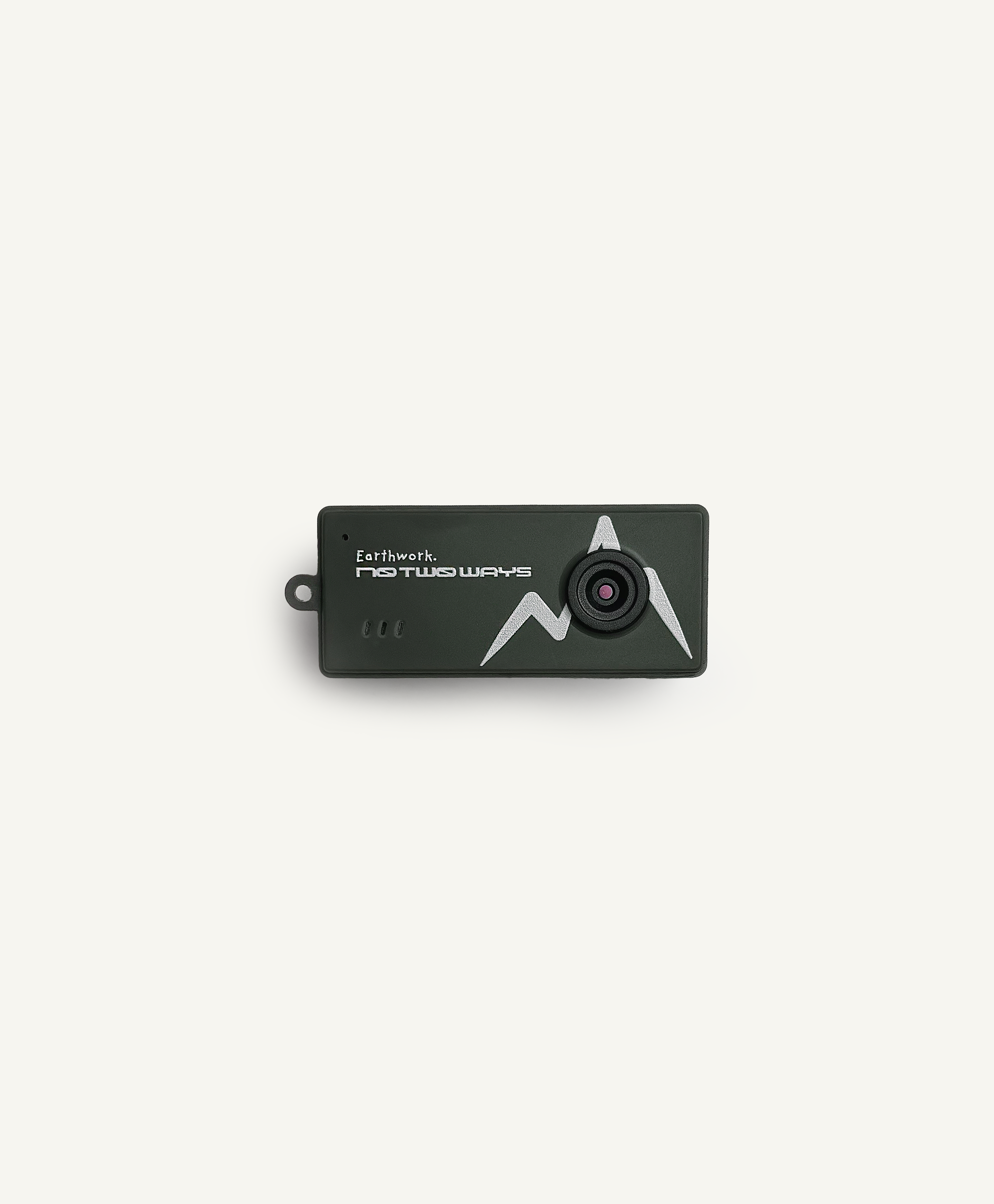
English / CT-CAM MINI
CT-CAM MINI User Manual
01Product structure

- Power button
- Up arrow key
- Camera and video button / OK button
- Down arrow key
- Mode key
- Lens
- Flash
- TF / microSD card slot
- Reset hole
- Charging port
- Charging indicator light
02Power on and off
Insert the microSD card, then press and hold the power button for 3 seconds to turn the camera on. It starts in photo standby mode.
Press and hold the power button for 3 seconds to turn the camera off.
03Taking a photo
With a microSD card inserted and the camera on, press the camera button briefly in photo mode to take a photo.
Briefly press the up or down arrow key to change the filter, then briefly press the camera button to take a photo with that filter.
04Recording video
With a microSD card inserted and the camera on, press the mode button briefly to switch to video mode.
Briefly press the camera button to start recording. A red dot flashes in the top right corner of the screen and the timer starts. Briefly press the camera button again to stop recording and save the video.
05Playback
With a microSD card inserted and the camera on, press the mode button briefly to switch to playback mode.
Press the up or down arrow key briefly to move between files.
For a video file, press the camera button briefly to play, and again to pause.
Press and hold the up arrow key to open the delete option. Briefly press the up or down arrow key to select an option, then press the camera button to confirm.
06Settings
With a microSD card inserted and the camera on, press the mode button briefly to switch to settings mode.
Press the up and down keys briefly to move between settings, and press the camera button to open a setting.
07Date and time
In settings mode, press the up and down keys to reach the date and time setting, then press the camera button to open it.
Briefly press the up or down arrow key to change the value, then press the camera button to move to the next field. After the last field, the date and time are saved and the setting closes.
08Charging
Charge the camera with the supplied cable when needed. You can charge it from a computer or a USB power adaptor.
The indicator light is red while charging and goes out when charging is complete.
Use a 5 V / 1 A USB power adaptor. Do not leave the camera charging unattended.
09Inserting and removing the memory card
Before inserting or removing the card, press and hold the power button to turn the camera off, and disconnect the charging cable.
Note the orientation when inserting the card. The metal contacts face the front of the camera. Inserting it the wrong way can damage the card or the camera. Use a standard microSD card.
To remove the card, gently press it inward to release it, then pull it out.
10Reset
If the camera will not switch on or off, or stops responding, insert a toothpick or SIM ejector pin into the reset hole to restart it.
11Warning
CHOKING HAZARD: contains small parts. Not for children under 15 years. Harmful or fatal if swallowed.
Contains a lithium battery: do not puncture, crush, dismantle or burn. Stop using the product if the battery swells.
Keep away from fire and heat sources.
Charge only from a 5 V 1 A USB source.
Disconnect the charging cable before cleaning the product.
Respect the privacy of others when recording.
12Care
Do not submerge this product in water or leave it in a humid environment for long periods. Wipe surface marks off with a dry cloth.
Check the cable and housing regularly for damage. If you find any damage, stop using the product until it is repaired.
To reduce battery ageing and swelling, charge the product about once every three months if it is not in use.
13Privacy and the law
Recording people without their knowledge or consent is restricted or unlawful in many countries, and the rules differ from place to place. Check the law where you are before recording.
Do not use this camera where people expect privacy, including changing rooms and bathrooms.
14Recycling and disposal
This product and its battery must not be disposed of with unsorted household waste. At the end of the product's life, take it to a collection point for waste electrical and electronic equipment and batteries.
Do not burn, puncture, crush or dismantle the battery. The battery is built into the product and is not designed to be removed by the user; removal must be carried out by a suitably qualified person or an authorised recycling facility.
Delete stored recordings and personal information before disposing of or recycling the product.
The crossed-out wheeled bin symbol means the product and its battery require separate collection and must not be discarded with general household waste.
DISPOSAL
Do not dispose of this product or its battery with household waste. Take it to a collection point for waste electrical equipment and batteries. Do not burn, puncture or crush the battery; it must be removed by a qualified person. Delete stored recordings before disposal.
15Declarations of conformity
UK Declaration of Conformity ↗ EU Declaration of Conformity ↗
United States (FCC)
This device does not contain a wireless transmitter. It has been tested by an accredited laboratory and found to comply with Part 15 of the FCC Rules for a Class B digital device, under the FCC Supplier's Declaration of Conformity (SDoC) procedure. Product: NOTWOWAYS Mini Digital Camera. Model: CT-CAM MINI.
This device complies with Part 15 of the FCC Rules. Operation is subject to the following two conditions: (1) this device may not cause harmful interference, and (2) this device must accept any interference received, including interference that may cause undesired operation.
Note: This equipment has been tested and found to comply with the limits for a Class B digital device. If this equipment causes harmful interference to radio or television reception, which can be determined by turning the equipment off and on, the user is encouraged to try to correct the interference by relocating or reorienting the receiving antenna, increasing the separation between the equipment and receiver, or consulting the dealer for help.
16Manufacturer and contacts
Manufacturer
NOTWOWAYS LIMITED
Amelia House, Crescent Road, Worthing, England, BN11 1QR, United Kingdom
EU Responsible Person
Euverify Ltd
Unit 3D North Point House, North Point Business Park, New Mallow Road, Cork, T23 AT2P, Ireland
17Specifications
- Model
- CT-CAM MINI
- Batch
- H2MB26
- Image output
- 1440 x 1080 (1.6 MP)
- Video
- 30 fps
- Memory card
- microSD / TF, 128 MB - 128 GB (A memory card is not included.)
- Battery
- Li-ion 3.7 V / 200 mAh / 0.74 Wh
- Input
- DC 5 V / 1 A (USB-C)
- Dimensions
- 58 x 24.5 x 20 mm
- Weight
- 28 g
- Housing material
- ABS
- Origin
- Made in China